
Collection
Smart Inventory owns collection and publishes tenant-scoped source CSV files, receipts, and histories. The report never collects from a tenant itself.
Tool Detail
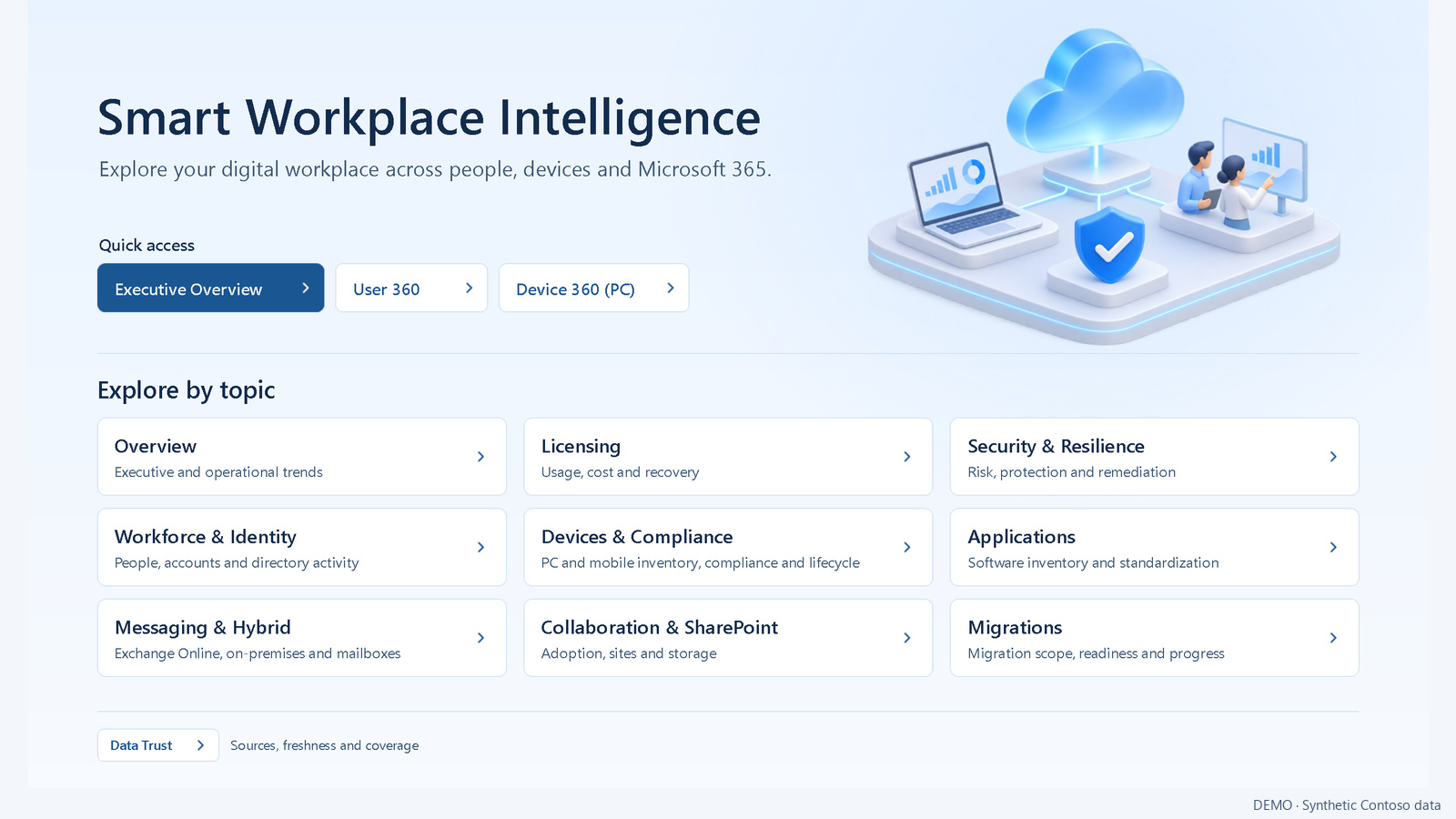
Power BI reporting over governed SmartM365 evidence: workforce, devices, licensing, collaboration, messaging, security, and migrations, with source qualification and observed histories.



Smart Inventory owns collection and publishes tenant-scoped source CSV files, receipts, and histories. The report never collects from a tenant itself.
A preparation script validates an immutable Power BI evidence batch before anything consumes it.
When SharePoint upload is enabled, a normal run transfers the validated batch and its pointer. After a verified publication, older batches are removed and at least the current and previous batches are kept on SharePoint and on the server.
Power BI consumes the qualified batch. Report refresh and save are separate operations from collection and preparation, and thematic reports can be generated from a saved master.
Lists Active Directory users, workstations, and user mailboxes with no qualified activity signal in the last year. The evidence is read-only: it recommends an action and never disables, deletes, or changes an object.
Flags user mailboxes used only by delegates while their owner no longer signs in, as candidates for conversion to a shared mailbox. Missing or unqualified evidence stays blank, never zero, and conversion and license removal remain manual decisions.
Release 1.0.2
The report now has 47 pages, four of them hidden, with clearer Exchange migration exceptions, Windows 10 readiness, and collection dates. Shared mailbox conversion candidates are qualified evidence for review, never an automatic conversion.
The single package now also includes the current Smart Inventory collectors, orchestrator, launchers, and shared dependencies, next to the Power BI project, the evidence preparation components, neutral configuration templates, and documentation. Review and configure each component before use. Customer data, private reports, and demo datasets are excluded.
Full release details, checks, and checksums are published on GitHub.
Collection
Read-only collectors for Intune, Entra, Microsoft 365, Exchange, SharePoint, and Active Directory that publish CSV evidence for reports, FinOps valuation, and Power BI, run by hand or through the Inventory Orchestrator.
Smart Inventory is a collection of independently versioned scripts and shared modules. Since Smart Workplace Intelligence 1.0.2, its current collectors, orchestrator, and launchers ship in the same release package; review and configure them before use.


Devices, compliance, configurations, managed apps, enrollment failures, Windows Update, Autopilot, Endpoint Analytics, licences, Copilot and Teams usage, Conditional Access, and Secure Score evidence through Microsoft Graph.
Exchange Online mailboxes, permissions, calendar permissions, migration jobs, quarantine, and backup protection, plus Exchange on-premises servers, mailboxes, proxy addresses, and hybrid free/busy checks.
Active Directory inventory and health checks, SharePoint Online capacity, and separate SharePoint Server infrastructure and content collectors that run manually on a farm server.
Each producer publishing to DATA-LAST writes a source receipt that lists its current CSV files with rows, hashes, and tenant identity. A failed run keeps the previous valid CSV and does not mark the run complete.
An opt-in collector runs Windows 11 hardware checks on an explicit list of computers. The list is the observed scope, not the whole estate, and an unreachable computer is never reported as incompatible.
A guided assistant prepares Smart Inventory on a server: tenant profile, prerequisites, service account and share access, and the Microsoft 365 application, with every tenant change confirmed first. Lab runs do not establish production qualification.
Demo data
These pages were rendered from a synthetic Contoso lot generated from a fixed seed and prepared by the real Smart Workplace Intelligence preparers. Every value is fictitious, and nothing was collected from a tenant, directory, or server.
The demo lot and its synthetic data are not part of the release package.
Reported configuration and status are qualified evidence, not proof of effective on-device behavior. Offline validation, server preparation, publication, and report rendering are distinct checks.
A source receipt qualifies the configured outputs of a run; it does not establish that a whole tenant, domain, or farm was collected. Consumers must still check source dates, schemas, and tenant identity.
A report refresh, a production deployment, and the validation of a given tenant or service are separate operations from the release. The included thematic report manifests do not cover the 47-page report.
Source publication alone does not qualify a deployment. Tenant and batch parameters must be configured privately, and customer CSV files, workbooks, caches, and saved model data stay outside the public source.